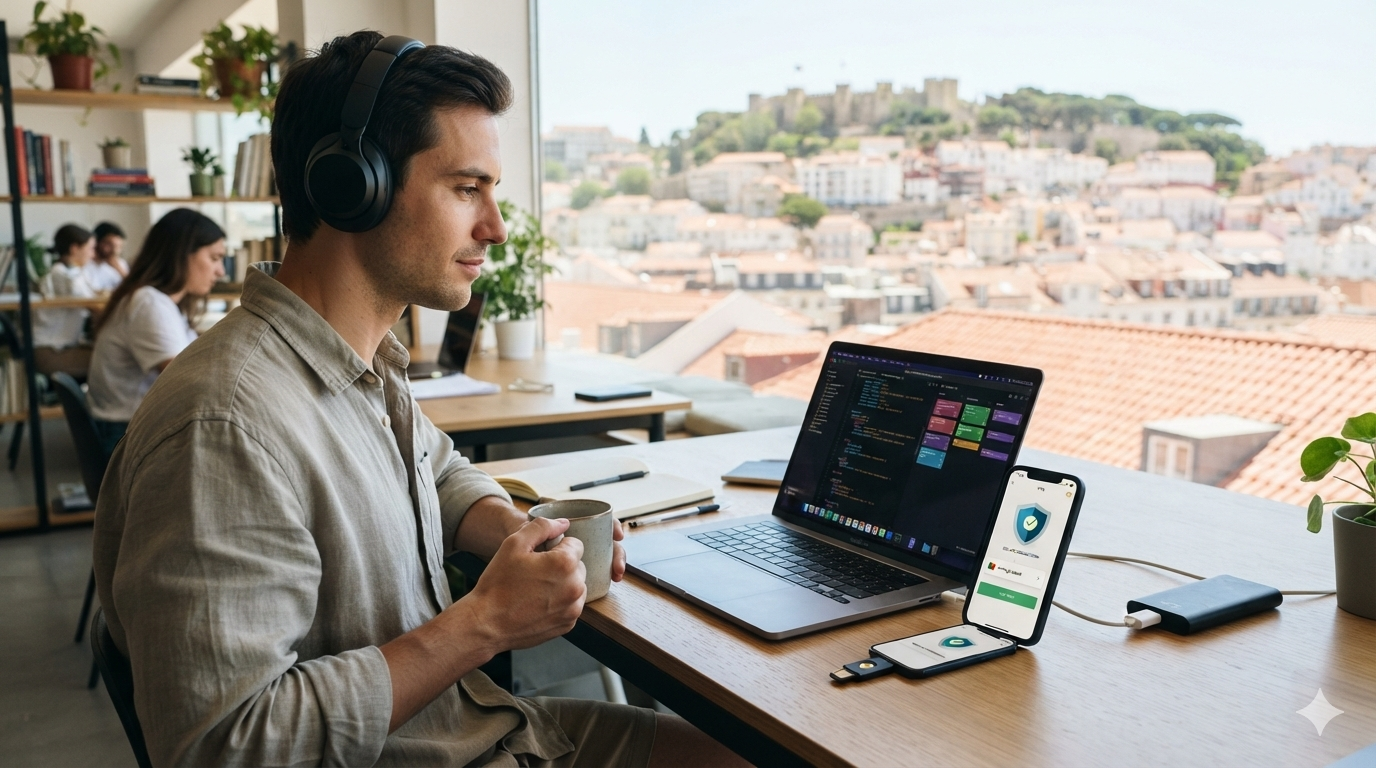
How to Work Remotely From Abroad Without Raising Flags: Complete 2026 Guide to MFA, eSIMs & VPNs
Working remotely from another country is easy right up until something looks "off" to a system that's never seen you there before. Your bank double-checks a login. Your company's identity platform asks you to re-verify. A push notification you'd normally approve half-asleep suddenly needs a security key you left in a drawer at home.
None of that means you did anything wrong. It means several things changed at once — country, network, IP address, sometimes device — and modern fraud and identity systems are built to notice exactly that. Microsoft's Entra ID Protection explicitly scores sign-ins on IP, ASN, location, device and historical behavior, and flags things like "atypical travel." Google does the same for its own accounts.
The fix isn't to hope nothing looks unusual. It's to control how many variables actually change when you travel — and, where you can, to keep the one that matters most (your IP address) exactly as trusted as it was at home.
You're really managing five separate systems
Your laptop — keep it the same device you already use daily.
Your internet connection — needs a redundant fallback, not just fast Wi-Fi.
Your U.S. phone number — the anchor for account recovery and SMS.
Your MFA and recovery methods — need at least one path that works with zero cell signal.
Your IP address — the signal every fraud and identity system weighs most heavily, and the one most people ignore.
Most "how to work abroad" guides spend all their time on #1–4 and treat #5 as an afterthought — usually a generic VPN recommendation buried near the bottom. That's backwards. Here's why.
The one variable that actually causes most of the friction: your IP
Every time you connect from a new IP address, on a new ASN, in a new country, you're handing a fraud model a fresh set of unknowns — even if your device and browser haven't changed at all.
This is where most "VPN for travel" advice quietly makes things worse. A typical consumer VPN rotates you through shared datacenter servers — a different IP, often a different country, every time you connect. A travel eSIM's mobile data does the same thing from the carrier side. Each new session looks, from your bank's or employer's perspective, like a brand-new, unfamiliar network.
A dedicated U.S. residential connection solves this differently: instead of rotating through anonymous datacenter IPs, you connect through one real residential ISP address — the same one, every session, whether you're in Lisbon, Bali or Mexico City. To your accounts, it's not a "new network in a new country." It's the same trusted connection they've always seen.
This is the core idea behind OurVPNs: a dedicated residential IP (not a shared, rotating, or datacenter one) that stays consistent across your trip. Higher-tier plans add a second backup residential location with automatic failover, so a single ISP outage doesn't take down your one stable connection. Plans run $35/month or $350/year, cover normal work and browsing use without artificial caps, and — because the network runs through real residential gateways rather than a datacenter farm — actual speed depends on the ISP at that location rather than being uniform everywhere. The service keeps only short-term operational logs needed to keep the network running, not a permanent record of your activity. You can test it with a 3-day free trial before committing.
(If you want the deeper technical distinction, see What Is a Residential VPN? and Residential IP vs Datacenter IP vs ISP IP.)
A stable IP doesn't make every alert impossible — device, browser and behavior still matter — but it removes the single biggest variable, and it's the one most travelers never think to fix.
Don't stack VPNs blindly
If your employer requires its own client (Cisco AnyConnect, GlobalProtect, Zscaler, Tailscale, etc.), that's a separate system from your personal VPN — use it exactly as your IT team configured it. Running a personal VPN inside a work VPN (or vice versa) can cause MTU issues, DNS conflicts and broken routing. Test your actual travel configuration — employer VPN, personal VPN, or both — before you leave, not from a hotel room.
Build MFA redundancy before you leave
Do this a few days before departure, while you still have normal support access:
Test every important account (email, Microsoft 365/Google Workspace, Slack, GitHub, banking, password manager) by signing out and back in.
Don't swap your main phone or laptop right before traveling. A new device triggers new-device verification on top of everything else changing.
Prefer TOTP codes and hardware security keys over SMS. Authenticator apps' rotating codes and FIDO/WebAuthn keys work without cell service; SMS breaks the moment roaming, porting or carrier provisioning hiccups.
Back up Microsoft Authenticator, but don't rely on it alone — Microsoft notes work/school accounts may still need re-registration after a restore.
Generate backup codes and store them somewhere separate from your laptop bag — not stapled to the device that might get lost with it.
Carry a second security key, stored separately from your primary one.
Keep your device clock on automatic sync. TOTP codes depend on accurate time; never manually shift the clock to "feel like" another timezone.
A solid setup gives you three independent paths in: authenticator app, hardware key, and backup codes.
Keep your U.S. number — add a travel eSIM for data
Don't replace your everyday number right before a trip. It's tied to too much: MFA, banks, payroll, account recovery. Instead, run dual SIM:
SIM 1 (your existing U.S. line): calls, SMS, MFA texts, account recovery.
SIM 2 (travel/local eSIM): mobile data, hotspot, maps, messaging.
Both iPhones and modern Pixel/Android phones support this natively. One caution: many travel eSIMs (Holafly, Airalo, etc.) are data-only, and even the ones advertising a phone number often issue a virtual number that many banks won't send verification codes to. Don't build your MFA plan around one. If you're setting up a new U.S. carrier line for travel, note that Google Fi and US Mobile both require the line to be activated and used domestically first — set it up before you leave.
Don't let one connection be a single point of failure
Carry a travel router so every device connects to one familiar private network instead of hotel Wi-Fi directly.
Pack a USB-C Ethernet adapter — wired beats flaky hotel Wi-Fi for important calls.
Have a backup data source (hotspot or second eSIM) ready before a meeting, not discovered mid-meeting.
Carry a power bank — none of this matters if your phone or router dies.
Pre-departure checklist
[ ] The right visa for remote work sorted (heading to Thailand? See our DTV visa guide for remote workers)
[ ] Laptop and phone fully updated; no last-minute device swaps
[ ] U.S. line active, Wi-Fi Calling tested
[ ] Travel eSIM installed and set as the data line
[ ] MFA push tested on Wi-Fi only, and offline TOTP codes confirmed working
[ ] Hardware key tested; backup key packed separately
[ ] Recovery/backup codes stored securely and separately
[ ] Password manager access confirmed
[ ] Residential VPN (or required work VPN) tested end-to-end, including with your employer's client if you use both
[ ] Travel router + Ethernet adapter packed
[ ] Power bank charged
FAQ
Does a VPN stop security alerts entirely? No single tool does — device, browser and behavior all factor in — but eliminating IP/network volatility removes the biggest variable, which is why a stable residential IP outperforms a rotating one for this specific problem.
Is a residential IP different from a normal VPN? Yes. Most consumer VPNs route you through shared datacenter servers that rotate; a residential IP ties you to one real ISP connection that stays the same session after session. See Dedicated IP vs Static IP vs Residential IP.
Do I need my U.S. SIM if I use an authenticator app? Not for TOTP codes, but you'll still want it for SMS fallback, bank verification, and account recovery. Our guide to international phone plans covers cheap ways to keep that line active.
Can I use a travel eSIM's number for MFA? Usually not reliably — many are virtual, data-focused numbers that some services won't send codes to.
Is WireGuard or OpenVPN better for travel? WireGuard reconnects faster across changing networks; OpenVPN is more universally compatible. See our full comparison.
The bottom line
Most of what makes remote work abroad stressful comes down to too many things changing at once. Fix the ones you can control — device, MFA, phone number, connectivity redundancy — and stabilize the one you usually can't: your IP address. A dedicated residential connection does that last part directly, and you can try it for 3 days free before your next trip.
Further reading: Digital Nomad Connectivity Guide · How to Hide Your Laptop Location on Windows & Mac · Best Residential VPN: What to Look For