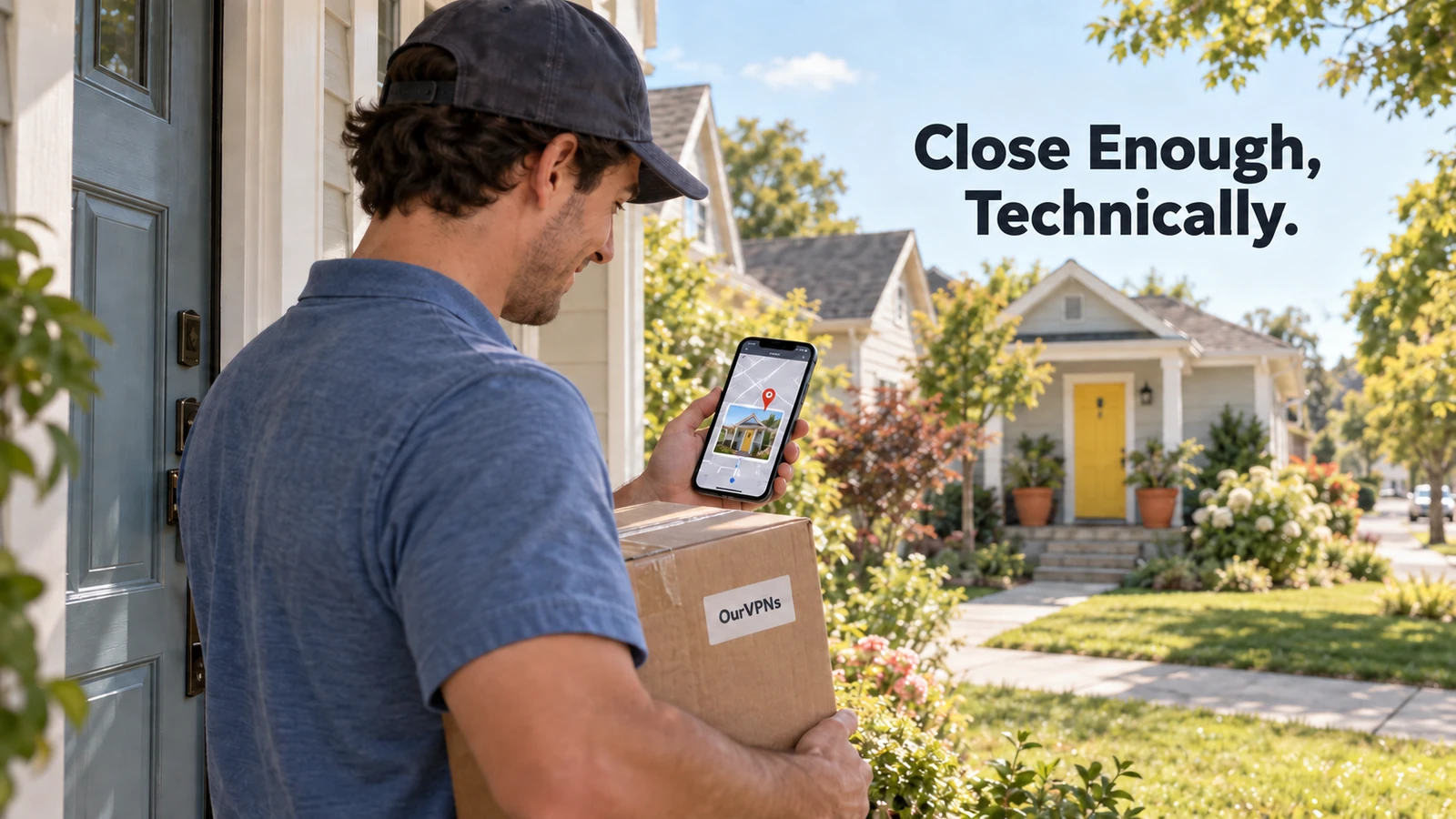
Why Does My IP Address Show the Wrong City?
You look up your own IP address for some completely unrelated reason and it tells you that you live forty five minutes away, in a town you have maybe driven through once. Nobody moved your house. Nobody hacked your router. Your IP address probably never knew exactly where you live to begin with.
Here is what is actually going on.
The quick answer
IP geolocation databases do not track individual addresses down to a building. They map ranges of IP addresses to the general area where an ISP hands them out, which is often the ISP's regional hub, not your specific street. If you live on the edge of a metro area, or your ISP's infrastructure for your neighborhood happens to sit in the next town over, that is the city you get stuck with.
Why this happens
IP addresses come in blocks, not one at a time. Regional registries hand ISPs entire ranges of addresses to distribute across a whole service area. A geolocation database looking at one address mostly knows which ISP owns that block and roughly where that ISP operates, not which house it is currently plugged into.
Your traffic often exits through a regional hub. Even if you live in a small town, your ISP may route that whole area's addresses through equipment based in a bigger nearby city. Geolocation databases frequently land on that hub instead of your actual town, which explains why so many people report a location that is close, just consistently off in the same direction.
Different databases guess differently, and disagree. There is no single official source of truth for "where is this IP." Companies like MaxMind build their own best guess datasets from registration records, network measurements and user submitted corrections, and other providers do the same independently. That is why one site might get your city right while another puts you a whole region away, and why MaxMind runs a public correction form for exactly this problem.
Dynamic IPs get recycled. If your address was reassigned recently, some databases have not caught up yet, so you can briefly inherit a location associated with whoever or whatever used that address before you.
Mobile and cellular connections are the worst offenders. Carrier networks often route everyone through a small number of gateways, so your phone's IP can show a location hundreds of miles from wherever you are actually standing, and that is normal, expected behavior rather than a sign anything is broken. Your own ISP's support pages will usually say the same thing when you ask, as CenturyLink's does here.
Does this actually matter?
Mostly it is harmless. A few places it shows up in daily life:
Local ads, weather widgets or currency defaults for the wrong nearby city.
Search engines showing "near me" results centered on the hub city instead of your actual town.
A login alert or authenticator app flagging a "new location" that is really just your same house being read differently that day. Our post on authenticator apps showing the wrong location covers that specific headache.
Streaming or shopping sites occasionally showing region specific pricing or catalogs based on the hub city rather than where you live.
None of this means anything is wrong with your connection. It means geolocation was always an educated guess dressed up as a fact.
Can you fix it?
Sort of, and it depends whose guess you are trying to correct.
For your own home connection, MaxMind's correction form is the most widely used starting point, since a lot of other services license MaxMind's data. It can take time to propagate, and some providers will not budge at all.
Restarting your modem sometimes gets you a new dynamic IP with a cleaner record, though there is no guarantee the new one is any more accurate.
Your ISP's support team can occasionally confirm or update the registration details tied to your block, worth a try if the wrong city is actively causing you trouble rather than just being a mild annoyance.
If it is really about one specific site being overly cautious about a "new" location, that is usually a consistency problem more than an accuracy problem. Logging in from the same address over time, rather than jumping between very different ones, tends to calm those alerts down on its own.
Realistically, no provider, including geolocation companies themselves, promises street level or ZIP level accuracy. If you are choosing a residential IP for a specific city, our city specific residential VPN guide covers that same honest limit: it is a solid, real regional match, not a guaranteed pin on your exact address.
Where OurVPNs fits
When you connect through OurVPNs, the city you see is tied to a genuine residential ISP connection in that area, not a guess based on a datacenter's billing address. That said, the same underlying geolocation quirks above still apply on top of it, since the databases sites use to read that location back to you are the same imperfect ones this whole post is about. What we can promise is a real residential connection with a stable, dedicated IP, which tends to look far more normal to a login system over time than an address that changes every session.
Plans are $35 a month (three device connections, one location) or $350 a year (five device connections, two locations). There is a 3-day free trial with no charge during the trial period, and our free trial guide shows exactly when billing starts.
Quick answers
Did someone access my account from another city? Probably not. This is almost always a geolocation database quirk, not a sign of unauthorized access, especially if nothing else about your account looks unfamiliar.
Why do two different websites show me two different cities? Because they likely use two different geolocation providers, each with its own independently built, imperfect dataset.
Will a VPN fix this? A VPN changes which IP you present, but the location shown for that IP is still read through the same kind of imperfect database. A dedicated residential IP tends to look more consistent over time, which helps with login flags specifically, but it is not a guarantee of pinpoint city accuracy either.
Can I permanently fix my home IP's location? You can request a correction through services like MaxMind, but you cannot force every database everywhere to update, since there is no single shared source they all pull from.
Is this a privacy or security problem? No. It is the opposite in a way, since it means databases genuinely cannot pin your exact address from your IP alone.
The short version
Your IP address was probably never tied to your literal house, just to the general area your ISP operates in, which is why the city can be off by a town or more. Different databases guess independently and disagree with each other constantly. It is rarely worth losing sleep over, and when it does cause real trouble, like a login flag, the fix is usually consistency over time rather than chasing down a perfectly accurate pin that was never really on offer to begin with.