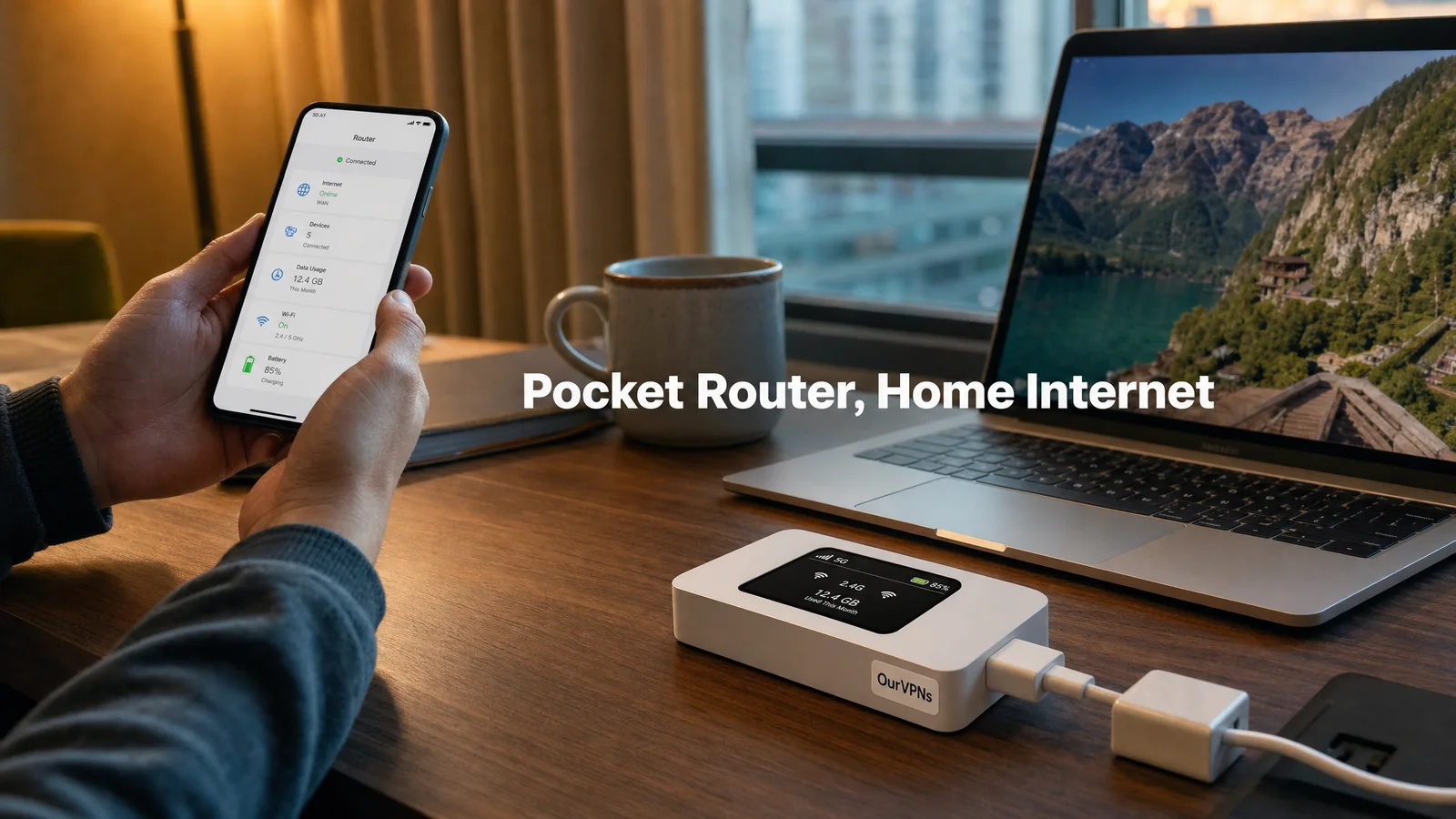
UniFi Travel Router With a Residential VPN: Setup Guide
The UniFi Travel Router arrives, and it's adorable. Pocket sized, a tiny screen on the front, lighter than your sunglasses. You plug it in at the kitchen table, open the UniFi app, and then it asks you something you didn't expect: which UniFi site should it connect to? You don't have a UniFi site. You have a cable modem and a dream.
Good news: you don't need one. The UniFi Travel Router (UTR for short) can run on its own, and it can carry a regular WireGuard or OpenVPN connection, including one that comes out on a real US home internet connection. This guide walks through the whole setup, the hotel login routine, and the couple of quirks worth knowing before you pack it.
The quick answer
No UniFi gear at home? Set the UTR up as a standalone router in the UniFi app, then add a WireGuard or OpenVPN profile from your VPN provider.
UniFi gateway at home? You can use Ubiquiti's built in Teleport to tunnel back to your own house instead. A residential VPN is the alternative when you don't want to depend on your home connection staying up.
The order at the hotel: get online, finish the hotel login, then turn the VPN on, then check your IP.
Going to China? The UTR's VPN menu sticks to standard protocols, so for countries that block VPNs you'll want a router that can run stealth protocols.
What the UniFi Travel Router is (and what it costs)
Ubiquiti sells the UTR for $79 on its US store, and the store page says plainly that no UniFi account is required and that it works in standalone device mode. According to Ubiquiti's tech specs, you get Wi-Fi 5 on 2.4 and 5 GHz, two gigabit Ethernet ports, USB tethering for iPhone and Android, a 1.14 inch status display, and USB-C power at 5V/2A. The power adapter is not in the box, so pack a decent charger. It weighs 89 grams, which is less than most phones.
There's also a bigger sibling. In August 2026 Ubiquiti added the UniFi Travel Router Long-Range (UTR-LR) at $99, with a folding antenna for weak hotel Wi-Fi. NAS Compares' write up notes it keeps the same chip, ports and Wi-Fi standard, and lists WireGuard, AmneziaWG and OpenVPN profiles plus a VPN kill switch. Everything in this guide applies to both.
Speed is fine for a hotel, not a data center. An updated July 2026 review roundup puts Wi-Fi uplink throughput in the low hundreds of megabits per second in independent tests. Most hotel Wi-Fi will be the slower part of the chain anyway.
Teleport or a residential VPN: which one do you need?
The UTR's headline trick is Teleport. If you have a UniFi Cloud Gateway at home, you bind the travel router to your home site and it builds a tunnel back to your house automatically. Your traffic leaves from your own home internet, so sites see your home. It's a great feature, and if you have the gear, it's free. That same July 2026 review is clear that Teleport needs a compatible UniFi gateway at the other end.
A residential VPN fills the gap for everyone else:
You don't run UniFi at home, or you rent and can't put a gateway in.
You don't have a US home to tunnel back to, because you moved abroad or sold the house.
You don't want your trip to depend on your home internet. If the power flickers at home while you're in Lisbon, Teleport has nowhere to land.
You want a second location as a backup, without buying more hardware.
OurVPNs gives you a dedicated residential IP on real US home broadband, assigned to you and not shared with anyone else, and it works on travel routers with WireGuard or OpenVPN. If you want the background on how that path works end to end, our explainer on how a travel router with a home connection works draws the whole picture.
Before you start
A USB-C charger that can deliver 5V/2A (the hotel TV's USB port is not it).
The UniFi app on your phone, and the router's firmware updated at home.
Your VPN files. With OurVPNs, you click Request VPN Files in your dashboard and get a WireGuard file ending in .conf and an OpenVPN file ending in .ovpn by email, plus your OpenVPN username and password.
Ten quiet minutes at home. Doing this the night before a flight in a hotel lobby is a choice, and not a good one.
How to set up the UniFi Travel Router with a residential VPN
Ubiquiti moves menu names around between app versions, so treat the labels below as a guide and look for the closest match.
Power it up and add it in the UniFi app. Plug in the UTR, open the app and let it find the router. When it offers to bind to a UniFi site, skip that step to run it as a standalone travel router.
Pick your uplink. At home, use your home Wi-Fi or an Ethernet cable into the WAN port. This is just to get it online for setup.
Name your travel Wi-Fi. Choose the network name and password your devices will join. Using the same name everywhere means your devices reconnect on their own in every hotel.
Add the VPN profile. Open the router's VPN settings and add a VPN client. Choose WireGuard and load your .conf file, or choose OpenVPN, load your .ovpn file and enter the username and password from your email.
Send all traffic through it. Make sure the VPN applies to your travel Wi-Fi network, not just a single device, and turn on the kill switch if your firmware shows one. That way, if the tunnel drops, the router blocks traffic instead of quietly using the hotel's connection. Our VPN kill switch guide explains why it's worth the extra tap.
Test it at home. Join the travel Wi-Fi with your phone and check your IP. It should show your OurVPNs residential IP, not your home internet provider.
WireGuard or OpenVPN? Start with WireGuard. It's usually faster and lighter on a small router. Keep OpenVPN as the backup for networks that block WireGuard. Our OpenVPN vs WireGuard comparison goes deeper.
A WireGuard quirk worth knowing
WireGuard files from VPN providers include a private key, and most routers simply import it. At least one UTR owner found otherwise. A July 2026 setup write up from irgNET says the UTR generates its own key pair internally and can't import an externally generated key; the router's own public key gets added on the server side instead. Firmware changes often, so yours may behave differently.
If your UTR won't take the key from your file, use the OpenVPN profile instead, which uses a username and password. Questions along the way? Our support team is there 24/7 by email, phone and Telegram.
One more: an owner on Ubiquiti's community forum reported in June 2026 that adding a second WireGuard profile replaced the first one. Plan on one active profile at a time.
At the hotel: get online in the right order
This is where travel routers win or lose. The trick is to deal with the hotel login page before the VPN gets involved.
Connect the UTR to the internet. Ethernet if the room has a port, otherwise join the hotel Wi-Fi from the UniFi app. In a pinch, tether it to your phone over USB.
Finish the hotel login. Reviewers note the UTR handles hotel login pages through the UniFi app, and that newer firmware brings up the login page faster. Room number, last name, accept the terms, done.
Turn the VPN on. If the VPN was already on and the login page won't load, switch it off, finish the login, and switch it back on.
Join your devices to your travel Wi-Fi. Laptop, phone, tablet, streaming stick, all through one hotel login.
If a hotel portal fights you anyway, our hotel Wi-Fi login fix covers the stubborn cases.
Check that it's really working
From one device on the travel Wi-Fi, look up your IP. You want to see the residential IP from your VPN, a US home internet provider, and no sign of the hotel's network. Then run a quick leak test so DNS and IPv6 aren't telling a different story. Our guide to testing whether your travel router uses the expected IP takes about two minutes.
Going somewhere that blocks VPNs?
The UTR's VPN options are standard protocols: WireGuard, OpenVPN and, on recent firmware, AmneziaWG, per NAS Compares' UTR-LR write up. That's great in most of the world. In places like China, though, firewalls are built to spot standard VPN traffic.
OurVPNs Stealth mode uses VLESS + REALITY and Hysteria2, which are disguised to look like ordinary web traffic, and it was tested working from inside mainland China as of October 2026. Those protocols don't appear in the UTR's VPN menu, so for a China trip a GL.iNet router that can run stealth protocols is the better fit. Our guide to a stealth VPN on a GL.iNet travel router covers it. VPN rules differ by country, so check the rules where you're going. We're a VPN company, not lawyers.
UniFi Travel Router vs GL.iNet
If your home already runs UniFi, the UTR is the natural pick: Teleport, one app for everything, and a router that weighs less than most phones. If you don't, it's still a solid, simple travel router, but many GL.iNet models offer faster Wi-Fi, more ports and room for extra software like stealth protocols. Our best travel router for a VPN roundup compares seven models side by side.
Quick answers
How do I add a VPN to the UniFi Travel Router? In the UniFi app, open the router's VPN settings, add a VPN client, and load a WireGuard .conf or OpenVPN .ovpn file from your provider. Then apply it to your travel Wi-Fi and test your IP.
Do I need a UniFi gateway at home? Only for Teleport, which tunnels back to a UniFi gateway. Ubiquiti's store page says the UTR works in standalone mode without a UniFi account, and that's the mode this guide uses for a regular WireGuard or OpenVPN profile.
Can I use NordVPN or another VPN on it? Any provider that gives you standard WireGuard or OpenVPN files should work in principle. Just remember a regular VPN usually puts you on a shared datacenter IP (and dedicated IP add-ons are still datacenter addresses), which streaming apps and banks often recognize. A residential IP looks like a normal home.
Does it work with hotel Wi-Fi login pages? Yes, through the UniFi app. Log in first, then turn on the VPN.
Is it fast enough for streaming? Based on reviewers' numbers, it should be for HD streaming and video calls on typical hotel Wi-Fi. It's Wi-Fi 5, so don't expect gigabit speeds over the air.
Will it make my streaming apps work abroad? The router just carries the tunnel. What apps see depends on the IP at the end of it. Use your own subscriptions and check each service's terms.
The short version
The UniFi Travel Router doesn't need UniFi gear at home. Set it up as a standalone router, load a WireGuard or OpenVPN profile, turn on the kill switch, and at the hotel always do the login first and the VPN second. Pair it with a dedicated residential US IP and every device behind it comes out on a real US home connection, whether or not there's a UniFi box back home.
OurVPNs plans are $35 a month for 3 devices and one location, or $350 a year for 5 devices and two locations, with 24/7 support by email, phone and Telegram. Try it free for 3 days.