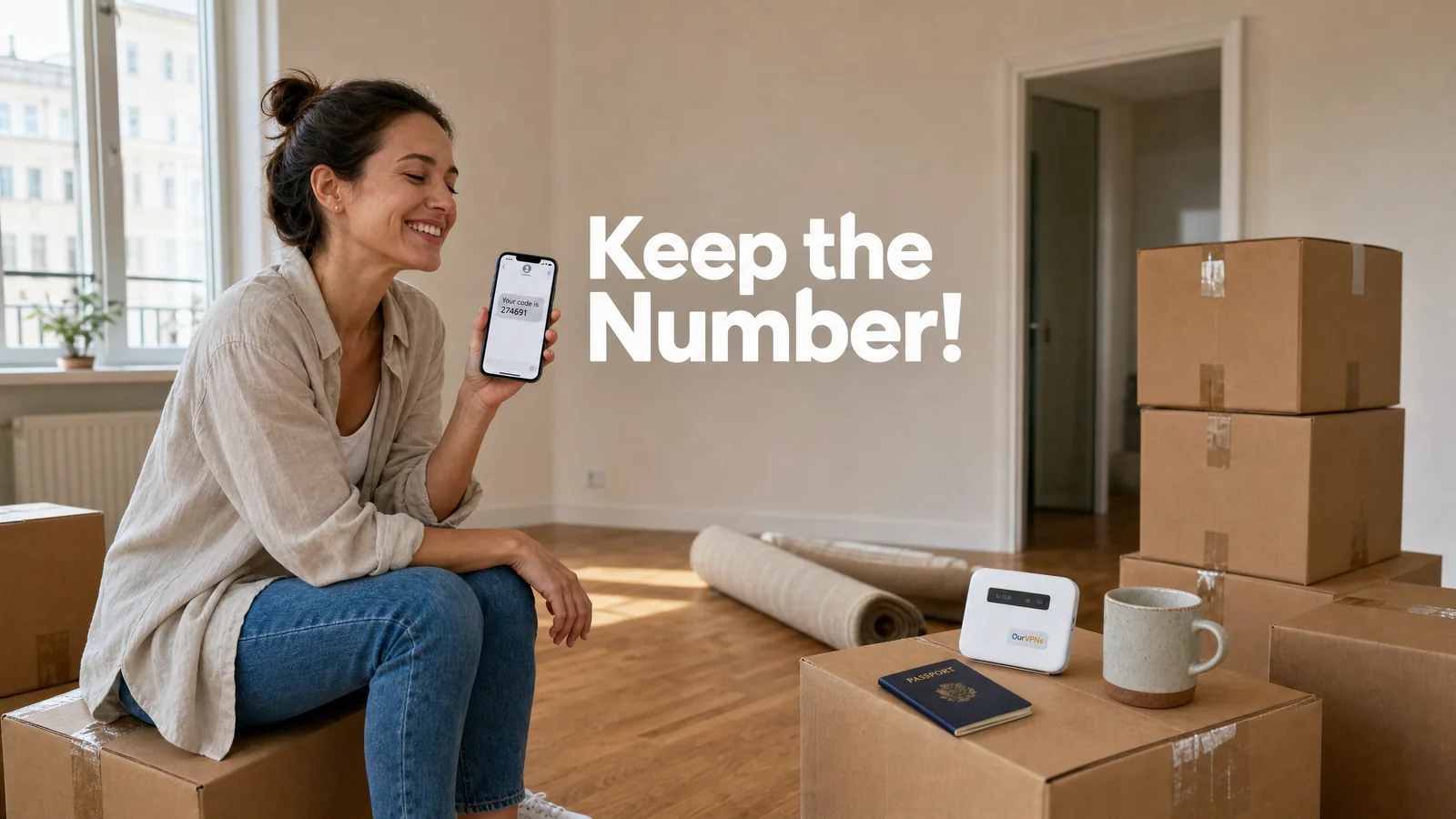
How to Keep Your US Phone Number When Moving Abroad
The boxes are packed, the apartment is empty, and you're at the carrier store asking about international plans. The person behind the counter says, cheerfully, "Oh, you're moving abroad? Then you can just cancel the line." You nod. It sounds tidy. Two months later you're sitting in a café in Lisbon, your bank wants to text a code to that number, and the number now belongs to a stranger who is very confused about your wire transfer.
Please don't be that person. Your US phone number is one of the most useful things you'll own as an American abroad, and keeping it costs as little as a few dollars a month. You just have to do it in the right order, before you leave. Here's how.
The quick answer
Don't cancel your number. Move it. Before you fly, port your existing number to a cheap plan or service that keeps working outside the US, then test that texts still arrive over Wi-Fi. Your main options:
A cheap real mobile line with Wi-Fi Calling, like Tello from $5 a month. Best for bank and MFA codes on a budget.
An all in one plan built for living abroad, like Popcorn at $69 a month. Best if you want calls, texts and data in one place.
A parking service, like NumberBarn from $2.99 a month. Best if you just want to hold on to the number.
Google Voice, a one time $20 port. Free after that, but it's a VoIP number, and many banks won't send codes to it.
Whichever you pick, set it up while you're still in the US, and add an authenticator app or passkey to your important accounts as a backup.
Why your US number matters so much
Your number isn't just how Grandma reaches you. It's the key to a surprising amount of your life:
Bank and card codes. Most US banks text a one time code to the number on file when something looks unusual, and moving abroad makes everything look unusual.
Account recovery. Email, brokerage, payroll and government accounts often fall back to a text when you're locked out.
Payment apps. Venmo, Zelle and Cash App all lean on your US number. Our guide to Venmo, Zelle and Cash App abroad explains what breaks.
History. A number you've had for ten years has a track record with fraud systems. A brand new number doesn't.
Lose the number and you lose all of that at once, usually at the worst possible moment.
Step 1: Decide what the number needs to do
Be honest about how you'll use it:
Codes only. You'll live on a local SIM and only need the US number for bank texts and logins. A cheap mobile line with Wi-Fi Calling is perfect.
Codes plus real calls. You still call US doctors, banks and family a lot. Same cheap line, or an all in one plan.
Just keep it. You rarely need it, but you don't want to give it up. A parking service holds it for very little.
The key detail: for bank codes, you want a real mobile line, not a VoIP number. Many banks check the line type before they send a code. Our post on why your US bank keeps blocking you abroad covers what else they look at.
Step 2: Pick where your number will live
There are four realistic homes for your number. Here they are, from the most useful for bank codes to the cheapest.
Option 1: A cheap mobile line with Wi-Fi Calling
This is the sweet spot for most people moving abroad. Tello's plans start at $5 a month, and with Wi-Fi Calling turned on, Tello says you can receive texts abroad, including one time passwords and two factor codes. You need a compatible phone and a registered E911 address, and picture messages (MMS) don't work over it.
The catch is timing. Tello's help center says you must complete the port in and activation while you're in the US. After that, it works anywhere. So this is a "do it before the movers come" job, not a "do it from the airport lounge" job.
Option 2: An all in one plan built for abroad
If you'd rather have one line for calls, texts and data, Popcorn is $69 a month for unlimited talk, text and data worldwide with a full US number, and our review covers porting in the number you already have. It costs more, but it's the simplest setup and it doesn't advertise a limit on days abroad, which is what trips up long stays on regular carrier roaming. Our Popcorn phone plan review has the full details, including the US address requirement and the 50GB fair use review.
Option 3: Park the number
Parking is for numbers you want to keep but barely use. NumberBarn's Number Parking plan is $2.99 a month, and texting is a $1 a month add on that works through its app. That's one of the cheapest ways to stop your number from being recycled. Just don't count on a parked number for bank codes, since parking services aren't regular mobile lines.
Option 4: Google Voice
Google Voice is free, works anywhere you have internet, and you can port your mobile number into it for $20. Read the fine print, though:
You must be in the US. Google says port requests for US users must be made and updated in the US, and the number has to be an active US mobile number.
Your mobile plan gets cancelled. Once the port completes, your old carrier ends the service on that number.
It takes a little while. Up to 48 hours for the number, and up to 3 business days for texts.
Use it or lose it. Google's acceptable use policy says it may reclaim numbers with no activity, such as calls or texts, for 3 months. If that happens, you get 45 days to get the number back.
Banks may refuse it. It's a VoIP number, so many banks and payment apps won't send codes to it.
Google Voice is great as a second number for everyday calls. Moving your one and only number there is a gamble unless you've tested every bank you use first.
Step 3: Port it the right way
Porting sounds technical. It's mostly paperwork. The FCC's guide to keeping your number has the rules that matter:
Never cancel first. Start service with the new company, and let the port end the old one. If you cancel first, the number can be gone.
Your carrier can't hold it hostage. Even if you owe a balance or an early termination fee, your current carrier can't refuse to port your number.
It's usually quick. Simple ports are generally done within one business day, and mobile to mobile ports can take just a few hours.
Before you start, grab your account number and a number transfer PIN from your current carrier's app or website. Then do the port at least a week before your flight, so there's time to fix anything that goes sideways.
Step 4: Test it before you fly
Turn off cellular data on the US line, connect to Wi-Fi, turn on Wi-Fi Calling, and have your bank send you a code. Then log in to your email and payment apps and do the same. If a code doesn't arrive at home, it definitely won't arrive in Lisbon.
While you're at it, add an authenticator app or a passkey to every account that allows one. A slow text should never be the only thing standing between you and your money. Some authenticator apps get confused by location too, which our guide on authenticator apps showing the wrong location explains.
Step 5: Keep it alive once you're abroad
Keep autopay working. Prepaid lines lapse when a payment fails. Use a card that won't expire while you're away.
Use the number now and then. Send a text every month or so, especially on Google Voice.
Run two lines on one phone. Most modern phones handle a local SIM for data and your US line for calls and texts side by side.
For a full comparison of plans by trip length, see our guide to the best international phone plans for Americans abroad. And our moving abroad checklist covers everything else to sort out before you go.
What your phone number can't fix
Here's the twist. You can keep your number perfectly, get every code on time, and still get locked out. Banks, payroll systems, streaming apps and work tools also check your IP address, and abroad, your laptop shows up in whatever country you're in. A text proves it's you. Your IP tells them where you are.
That's the part OurVPNs handles. You get a dedicated residential IP on real US home broadband, assigned only to you and not shared with anyone, so your accounts see the same normal US home connection every time you log in. It works on your phone and laptop, and on a travel router, so your devices are covered at once. Your phone plan keeps your number. OurVPNs keeps your US internet identity. Together they cover two of the biggest things that lock Americans abroad out of their accounts.
Quick answers
Can I keep my US phone number if I move abroad? Yes. Port it to a plan or service that works outside the US before you leave, and keep paying for it. Don't cancel the line first.
What is the cheapest way to keep a US phone number abroad? Parking it with a service like NumberBarn, from $2.99 a month. For bank codes, a cheap mobile line like Tello from $5 a month with Wi-Fi Calling is the better value.
Can I port my number to Google Voice from abroad? No. Google requires port requests from US users to be made in the US, so do it before you leave.
Will bank codes work on Google Voice? Often not. Many banks block VoIP numbers. Test with your bank before you move your main number there.
What happens if I stop paying for my number? The line lapses, and after a while the number can be given to someone else. Keep autopay on with a card that won't expire.
Can I use my US number and a local SIM on the same phone? Yes. Most recent phones support two lines, usually with an eSIM. Set the local SIM for data and the US line for calls and texts.
The short version
Don't cancel your US number when you move abroad. Port it, before you leave and while you're still in the US, to a cheap mobile line with Wi-Fi Calling for bank codes, an all in one plan like Popcorn, or a parking service if you just want to keep it. Test your codes over Wi-Fi, add an authenticator app, and keep autopay healthy. Then cover the other half, your US internet connection, with a dedicated US residential IP. OurVPNs is $35 a month (three devices, one location) or $350 a year (five devices, two locations), with Stealth mode included, a 3 day free trial, and 24/7 support by email, phone and Telegram.