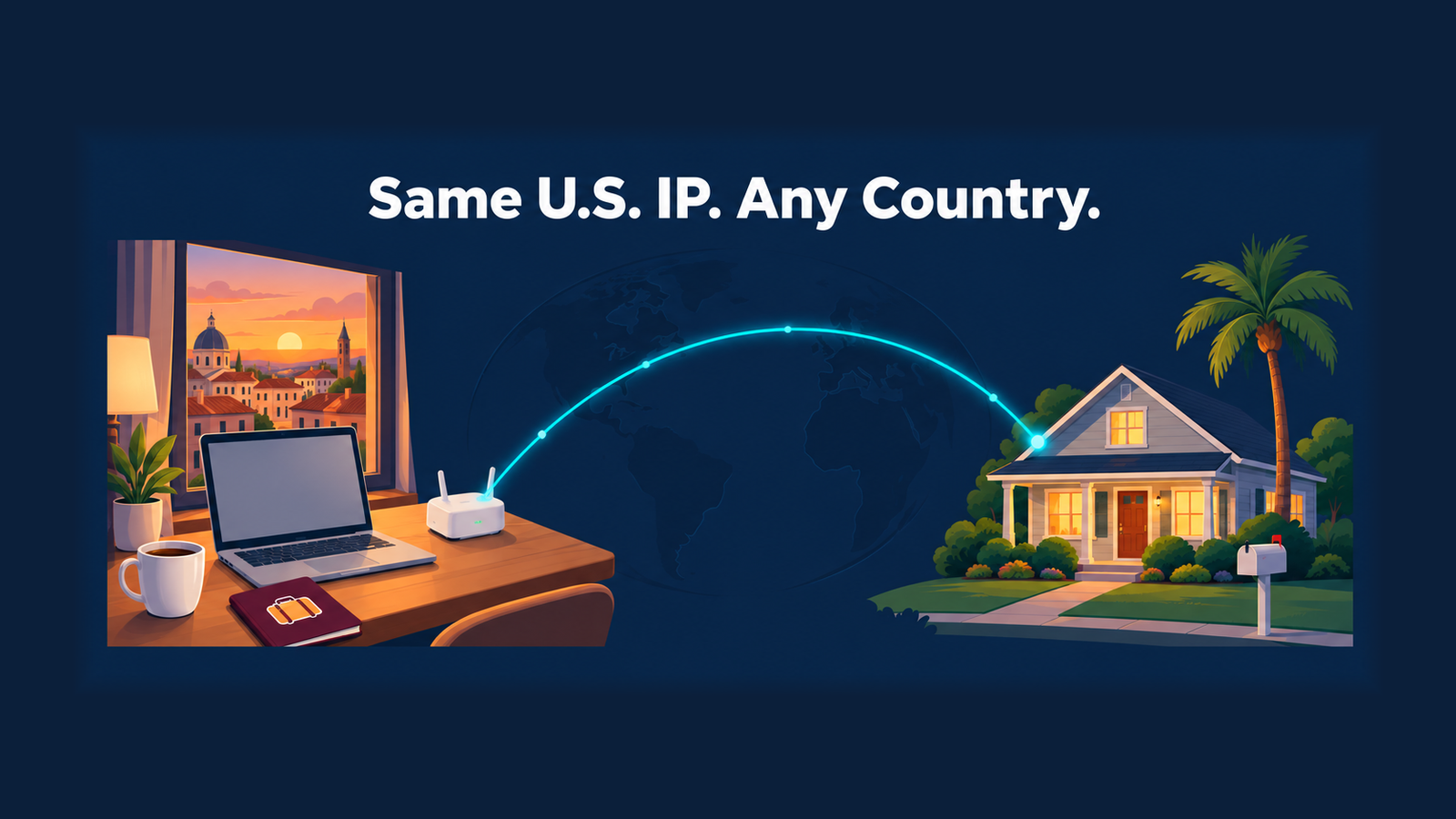
How to Keep the Same U.S. Residential IP While Traveling Internationally
You land in Lisbon, open your bank app on the hotel Wi-Fi, and get hit with a security check. Or a text code that never shows up. Or a very polite message saying something looks unusual.
Nothing unusual is happening. You are just sitting on an IP address your bank has never met, and it will be a different stranger next week.
The fix most travelers land on is simple to say: keep connecting from the same U.S. residential IP, no matter where your body is. Doing it is where the choices start. So here are the real options, what each one asks of you, and the sneaky stuff that can give you away even when the IP is perfect.
Quick honesty note: we run OurVPNs, so yes, we sell one of these options. We will tell you when someone else's option fits better.
First, what does "the same IP" mean to you?
There are two different wishes hiding in that sentence.
Some people want their exact home IP, the very address their ISP gave their house. Maybe a service has it whitelisted, maybe they want it to match years of login history.
Most people just want a steady, normal looking U.S. home connection that stays put from day to day. The specific number does not matter to them. If you are still sorting out the basics, our guide on how to get a US IP address from anywhere compares seven ways to do it.
This matters because an exact home IP has to travel through your actual house. A stable residential IP does not. Our guide on home VPN vs residential VPN vs residential proxy explains why.
Four ways to keep a U.S. residential IP abroad
1. Two routers and a lot of faith in your home internet
This is the classic home IP kit. One router stays home plugged into your modem, acting as a VPN server. The second one travels with you and tunnels back. Everything you connect to the travel router leaves the internet through your house.
Companies like KeepYourHomeIP sell it ready made (their economy kit was listed at about EUR 298 plus a monthly fee when we checked). You can also build it yourself with two compatible routers and WireGuard.
It gives you your real home IP, but your house becomes part of the trip. One traveler who reviewed the KeepYourHomeIP setup pointed out that it depends on your home internet and electricity staying up while you are gone. A tripped breaker in your empty apartment is now your problem in another country.
Other things to watch: your home upload speed is usually the bottleneck for video calls, and if your ISP uses CGNAT a plain WireGuard server may not be reachable at all (we cover that in running a home VPN behind CGNAT). If your home IP is dynamic, you will also need dynamic DNS, and the address can still change on you.
2. Tailscale with a home exit node
If you enjoy tinkering, Tailscale lets you name a device at home as an exit node, so your internet traffic leaves through it.
Two things from their own docs are worth knowing. The connection can be direct or relayed, and relayed connections are slower. And if a node's key expires, its routes can stop working, so sort out key expiry before you leave, not from a beach. Also, Android as an exit node runs in userspace and may be too slow, so pick a Linux, Mac, Windows or router class device for the job.
You get your real home IP and no extra hardware. You also get an always on device at home and some networking homework.
3. A managed residential VPN
Here nothing runs at your house. A provider operates a gateway on a real residential ISP connection in the U.S., and you connect with WireGuard or OpenVPN. Your traffic exits from that residential address.
A power cut at your place does not matter, and your ISP's CGNAT and upload speed stop being your problem. The trade is that it is not your exact home IP. It is a stable, dedicated residential IP in a location you pick. If you want to understand what that means in practice, read Dedicated Residential IP: What It Is and Who Needs One.
4. The stuff that does not work
A normal consumer VPN puts you on a shared datacenter IP that changes when you reconnect. A rotating residential proxy changes addresses on purpose. Both are fine tools for other jobs, but neither keeps the same IP for weeks, which is the whole point here.
The stuff that can still give you away
Getting the IP right is only half the job. Sites also compare it with other signals, and it is the mismatch that raises eyebrows. Fingerprinting vendors describe timezone mismatches, IP reputation databases and operating system mismatches as common ways to spot location inconsistencies.
So check these before you go:
Leaks. If DNS or WebRTC slips around the tunnel, a site can see your real network. Our VPN leak test guide walks through it.
Kill switch. If the tunnel drops on hotel Wi-Fi, does your laptop quietly go back to the local connection? Here is how a kill switch works and how to test it.
Time zone and language. Your laptop says Lisbon, your IP says Miami. Not a crime, but for sensitive logins you might match them for that session.
Your phone. A travel router only covers devices connected to it. Your phone on a local SIM uses a local carrier IP unless the tunnel app is on the phone too. Our VPN router vs VPN app post helps you decide what covers what.
Your phone number. This one catches more travelers than any IP. Data only eSIMs often have no number, so your bank's SMS code has nowhere to land.
When a residential IP will not save you
We would rather tell you now than have you find out in a hotel lobby.
A guide on banking lockouts while traveling says banks tend to flag shared VPN endpoints, impossible travel and datacenter IP ranges, and that the most common avoidable problem is unreachable two factor codes. It even argues residential IPs are not strictly necessary for banking. We agree that fixing your authentication comes first. A steady residential IP can remove the IP patterns, but it cannot deliver a text message that has nowhere to go.
Also, this will not unlock other countries' content, because your traffic exits in the U.S. Some services ban VPN use in their terms, and some countries regulate VPNs, so check the rules where you are going.
Your pre-flight checklist
Decide: exact home IP or stable residential IP.
Set it up and use it at home first, ideally logging into your key accounts through it before you leave so the address is already familiar.
Run the leak test and the kill switch test.
Put the tunnel on your phone too.
Move two factor off SMS, or keep your U.S. SIM alive or use Wi-Fi calling.
Pick one route and stick with it. Hopping between routes defeats the purpose.
If your setup lives in your house, ask someone to check the router and power now and then.
So which one should you pick?
If you need your exact home IP, go with a home kit or a Tailscale exit node. A managed service cannot give you that specific address.
If your ISP uses CGNAT and you cannot get a public address, try Tailscale or go managed.
If you will be away for months and nobody is home to reboot a router, managed is the lower maintenance path.
If you like building things, DIY is a fun project, and cheap if you already own the gear.
Want a side by side of specific products? See our KeepYourHomeIP alternatives roundup.
Where OurVPNs fits
OurVPNs is a managed residential VPN. You connect with WireGuard or OpenVPN to a dedicated, non-rotating residential U.S. IP, and because the gateway is not in your home, your house losing power does not take you offline.
Plans are $35 a month (three device connections, one location) or $350 a year (five device connections, two locations). Data is unlimited for normal use, though the service is not built for sustained heavy transfers of hundreds of gigabytes a month. There is a 3-day free trial with no charge during the trial period, and our post on what you can actually test in a residential VPN free trial shows exactly when billing starts. To see how city choices work, read City-Specific Residential VPNs.
If you need your exact home address, we are not the right fit, and we will happily tell you so. If you need a steady U.S. residential IP that follows you across borders, that is our whole job.
Quick answers
Can I keep my exact home IP while traveling? Yes, by routing through your house with a home VPN server, a two router kit or a Tailscale exit node. It needs your home internet and power to stay up.
Will my home IP change while I am away? It can, if your ISP hands out dynamic addresses. A dedicated managed IP stays assigned to your account.
Will this unblock streaming from other countries? No. Your traffic exits in the U.S., so you get the U.S. view of the internet.
Will a residential IP stop my bank from asking for extra verification? Not always. It can help avoid flags tied to datacenter or shared IPs, but checks also depend on your device, your behavior and your login method. Sort out SMS codes first.
The short version
Decide whether you need your exact home IP or just a dependable U.S. residential one. Pick the option that matches, close the little gaps no IP can fix (leaks, time zone, phone number), and test everything before you fly. Then go enjoy the trip. Your bank can stop worrying about Lisbon.