How to Get a US IP Address From Anywhere in 2026
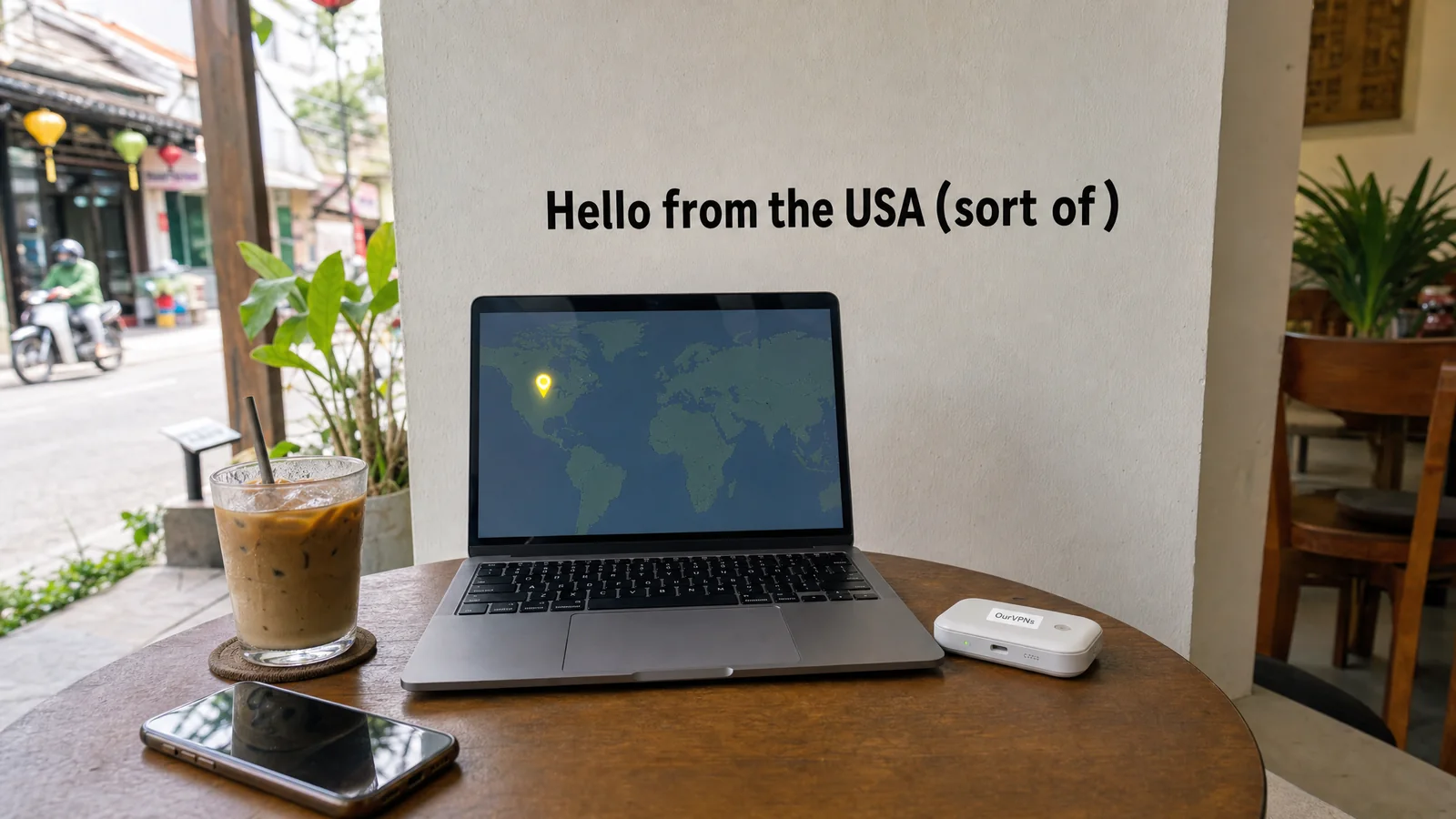
You're three weeks into a trip, sitting in a café in Bangkok with an iced coffee that cost less than a parking meter back home. You open your US streaming app and it tells you it isn't available in your region. Your bank wants an extra code. A shopping site has quietly switched to baht. Nothing is broken. Every one of those apps is just reading the same thing: your IP address, and right now it says Thailand. If the App Store itself won't show you an app, that's a different problem, and our guide to fixing an app that is not available in your country sorts out which one you have.
So the question becomes how to get a US IP address when you're nowhere near the US. There are about seven ways to do it, they're not equal, and the cheapest one is often the one that gets you flagged. Here's the plain version.
The quick answer
To get a US IP address from anywhere, you route your internet traffic through a connection that sits in the US. The common ways are a regular VPN app, a residential VPN, your own home internet (through a home VPN server or a tool like Tailscale), a proxy or browser extension, a rented cloud server, Tor with a US exit, or roaming on a US phone plan.
All of them change the country websites see. Only some of them look like a normal American household. For quick browsing, almost anything works. For banking, work logins and streaming, the type of IP matters as much as the country, and that's where a residential US IP (one that comes from real home broadband) earns its keep.
What makes an IP address "American" anyway?
An IP address doesn't carry a little flag. Websites look it up in IP location databases, which match address ranges to countries, cities and the company that owns them. If the range belongs to a US internet provider and the database says it's used in the US, you're "in America" as far as that website is concerned.
Those databases also record what kind of network an address comes from: a home internet provider, a mobile carrier, or a hosting company. That second detail is the one most people forget, and it's why two US IPs can get very different treatment. We go deeper on this in residential vs datacenter vs ISP IPs, and the databases get the city wrong more often than you'd think, which we explain in why your IP address shows the wrong city.
7 ways to get a US IP address
Here they are, from the one most people try first to the one most people forget.
1. A regular VPN app
You install an app, tap a US server, and your traffic leaves the internet from that server. It takes about a minute and it's cheap.
The catch: those servers live in data centers, and many other users share the same addresses. Streaming services, banks and some work systems know exactly which ranges belong to VPN companies. You'll get the US country label, but you may also get the proxy error, an extra verification step, or a CAPTCHA every five minutes. Our explainer on why streaming apps block VPNs walks through how they spot them.
Good for: general browsing, public Wi-Fi privacy, news sites. Weak for: streaming, banking, anything that cares what kind of network you're on.
2. A residential VPN
A residential VPN works like a normal VPN app, but the exit is a real home broadband connection instead of a data center. Websites see an address from a US home internet provider, the same kind your neighbors back home use.
The detail to check is whether the address is yours alone. With OurVPNs, you get a dedicated residential IP on real US home broadband, assigned to one customer and not shared. Because it's assigned only to you, you're not sharing it with strangers whose behavior gets the address flagged. Our guide to keeping the same US IP while traveling explains why "the same" matters as much as "residential".
Good for: banking, work logins, streaming your own subscriptions, long trips. Weak for: people who want a different country every day.
3. Your own home internet
If you still have a home in the US, you can send your traffic back through it. Options include a router at home running a VPN server, a two router "home IP kit", or a free tool like Tailscale with a computer at home set as an exit node.
You get your actual home IP, which is hard to beat, since it's the IP your accounts already know. The trade off is that your house becomes part of the trip. A power cut, a router update or an internet outage at an empty home takes your connection down with it, and your home upload speed limits everything. Some internet providers also put customers behind CGNAT, which can make a home VPN server unreachable from outside. Our comparison of a Tailscale exit node vs a WireGuard server at home covers both routes.
4. A proxy or a browser extension
A proxy forwards your traffic through a server in the US. Browser extensions are often proxies too. The important limit: they usually cover only the browser they're set up in. Your bank's phone app, your TV and your work laptop's background services still use your real connection.
Residential proxy services exist as well, but many of them rotate by default through a big pool of home addresses, so you may look like a different household every few minutes. For logins, that's the opposite of what you want. We compare the two in residential VPN vs residential proxy.
5. A cloud server you rent
If you're technical, you can rent a small server in a US region from a cloud company and run your own VPN on it. It's cheap, private to you, and a fun weekend project.
It's still a datacenter address, though, so it behaves like option 1 as far as streaming services and fraud systems are concerned. It just has fewer neighbors.
6. Tor with a US exit
Tor bounces your traffic through volunteer relays, and the last one (the exit) decides the IP websites see. Advanced users can pin the exit country by editing Tor's settings file with the ExitNodes option, and the Tor forum's own answer warns that narrowing exits can break sites.
Tor is built for anonymity, not for looking like a regular American. It's slow for video, and many sites challenge or block known Tor exits. Great tool, wrong job.
7. Roaming on a US phone plan
Here's one people miss. When you roam abroad on a US carrier, your mobile data is often routed back through your home network, so websites see a US IP. An IPinfo write up on roaming and geolocation explains this "home routed" setup: the home network assigns the IP, so a roaming phone can look like it never left.
It only covers that phone (and anything tethered to it), roaming data can get pricey, and it's a mobile carrier IP rather than a home one. Many travel eSIMs also route through a third country, so don't assume. Check. Our roundup of international phone plans has the details by carrier.
Which method fits which job?
Reading US news or checking a US price: a regular VPN, a proxy or roaming is plenty.
Banking and money apps: a steady residential IP or your own home connection. Rotating or shared addresses are what trigger the "unusual activity" checks. See why your US bank keeps blocking you abroad.
Work logins and MFA: a dedicated residential IP that stays the same, ideally on a travel router so the work laptop needs no extra software.
Streaming your own US subscriptions: a residential connection. Datacenter VPNs are the first thing streaming apps block.
Every device at once, including the TV: put the connection on a travel router. We explain how in how a travel router with a home connection works.
Why a US IP sometimes isn't enough
You can have a perfect US address and still get caught out, because apps look at more than your IP. The usual giveaways:
Your phone's GPS and location services. Many apps ask the device directly.
DNS, WebRTC or IPv6 leaks that reveal your real connection next to the US one. Our VPN leak test guide shows how to check.
Hopping between addresses. An East Coast IP on Monday and a West Coast one on Tuesday looks stranger than either one alone.
Your device's time zone and language, which some fraud systems compare with your IP.
None of this means you need to hide anything. It just means a steady, honest looking connection beats a clever one.
How to check the US IP you got
Once you're connected, open any "what is my IP" site and look at three things: the country, the city, and the organization that owns the address. If the organization is a hosting or cloud company, you have a datacenter IP. If it's a household internet provider, you have a residential one. Our step by step guide to checking whether an IP is residential or datacenter shows what to look for.
A quick honest note
Changing your IP address is legal in most countries, but not all of them treat VPNs the same way, and streaming services have their own terms about where you watch. Use your own subscriptions, follow the rules of the country you're in, and remember we're a VPN company, not lawyers.
Quick answers
Can I get a US IP address for free? Yes, through free VPNs, free proxies or Tor. Expect shared datacenter addresses, slow speeds, data limits and lots of blocks. Free is fine for reading the news, not for your bank.
Does Smart DNS give me a US IP? Not for your whole connection. Smart DNS sends a few chosen sites through the provider's proxy servers, while everything else keeps your real IP. There's no encryption and no change for your other apps.
Can I get a US IP on my iPhone or Android? Yes. Use a VPN app, roam on a US carrier, or connect the phone to a travel router that's running the connection for you.
Will a US IP stop my bank from flagging me? It helps most when the IP is residential and stays the same. A different shared VPN address every day can cause more checks, not fewer.
Can I keep the same US IP for a whole trip? A dedicated IP or your own home connection is the way to get closest. With a regular VPN or rotating proxy, you'll usually land on a different address each time.
The short version
Getting a US IP is easy. Getting one that looks like a normal American home is the part that matters for banking, work and streaming. Regular VPNs, proxies, cloud servers and Tor all change your country, but they show up as datacenter or shared addresses. A residential IP that's yours alone, or your own home connection, is what keeps apps calm.
OurVPNs gives you a dedicated residential IP on real US home broadband, on your devices or on a travel router, from $35 a month, with a 3-day free trial to see it for yourself. Start your free trial