How to Check Whether an IP Is Residential, Datacenter or ISP
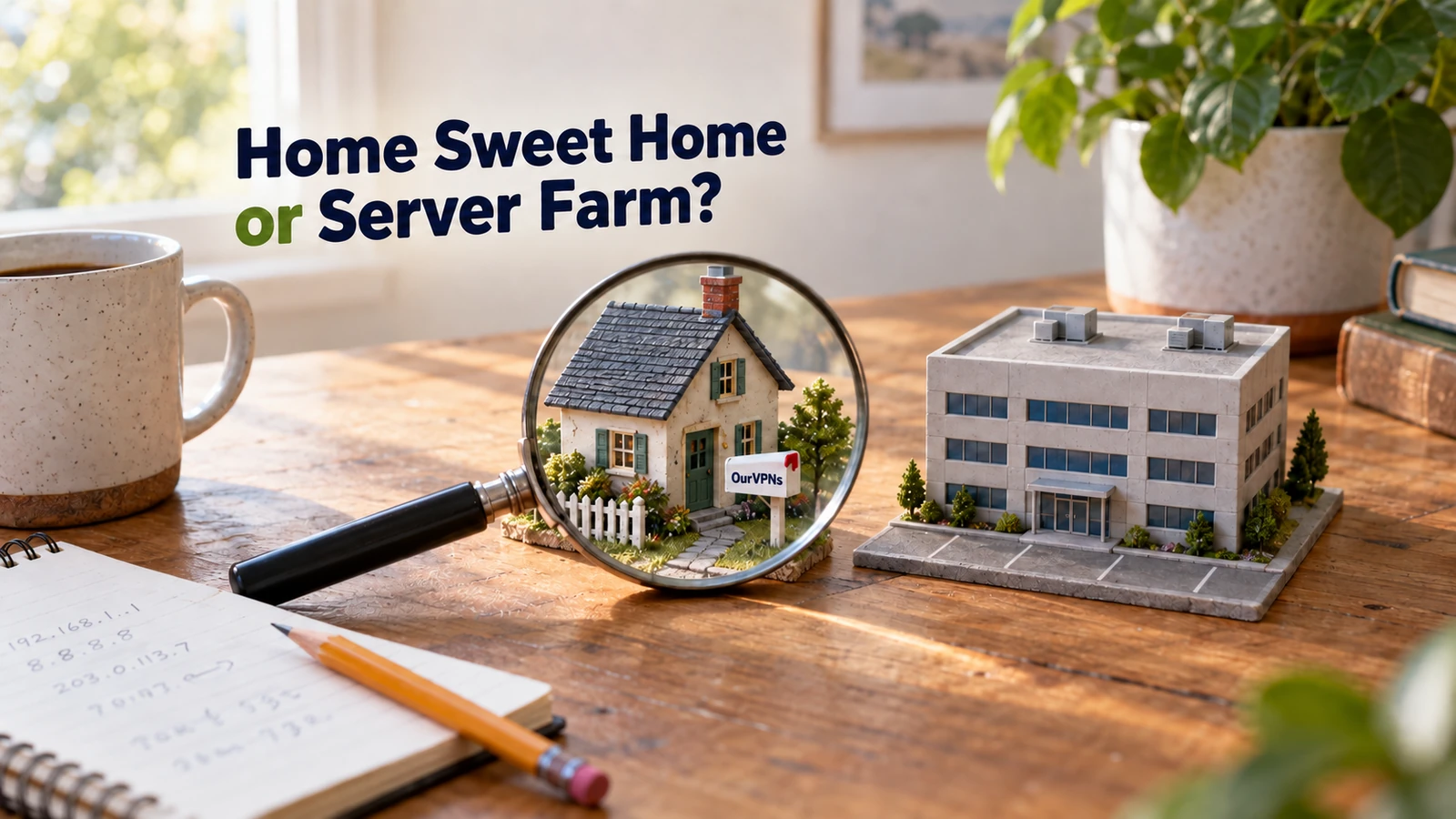
Every IP address has a job history. Some live in cozy houses and stream cooking videos. Others live in windowless server buildings and work all night. Websites can tell the difference, and if you use a VPN, you probably want to know which kind you are wearing.
The good news is that checking takes about two minutes and no special skills. Let's do it.
How do you check if an IP is residential, datacenter or ISP?
Look up the IP address in an ASN or WHOIS lookup tool and read who owns the network. If the owner is a consumer internet provider, the IP is usually residential. If the owner is a cloud or hosting company, it is a datacenter IP. Because tools sometimes disagree, cross-check two or three of them, then test the IP on the site that actually matters to you.
What the labels mean
Before you start, here is what you are looking for.
Label Who owns the network What it usually means Residential A consumer internet provider An address on a real home connection Datacenter or hosting A cloud or hosting company A server, the kind most VPNs use ISP (in many lookup tools) An internet provider The network belongs to a provider, which can include home or business lines Mobile A cellular carrier A phone network address Business A company or organization An office or corporate connection
Notice that "ISP" on a lookup tool is a label for the network owner, not a promise that the connection sits in someone's living room. That is where the confusion starts. If you want the plain explanation of these categories first, read our guides on what a residential VPN is and what a dedicated residential IP really is.
The method: 6 steps that take two minutes
1. Get the IP you want to check. If you are checking your VPN, connect first, then open any "what is my IP" page from the connected device. If you are checking a router or another network, do it from a device on that network. Write the address down.
2. Run it through an IP lookup. Paste it into a free lookup tool that shows the ASN, the organization name and the network type. Every IP block is registered to an ASN, which is a network identifier, and that is your best clue.
3. Read the network name. This is the big one. Names of consumer internet providers point to residential. Names of cloud and hosting companies point to datacenter. TrustMyIP's guide gives the examples of AWS (AS14618 and AS16509), Microsoft Azure (AS8075) and Google (AS15169) as definite datacenter origins. If the owner's name has words like hosting, cloud, servers or VPS in it, you already have your answer.
4. Check the reverse DNS. Reverse DNS is the hostname attached to the IP. Cloud servers often have hostnames that spell out where they live (TrustMyIP notes AWS instances produce names like ec2 followed by the address). Home connections often have hostnames that mention the provider, and sometimes the city or a customer style pattern. If the hostname looks like a server label, be suspicious. If it is blank, that tells you little on its own.
5. Ask the registry who owns the block. For a firsthand answer, use the ARIN RDAP search for addresses in North America, or the matching registry for other regions. It shows which organization the address block is assigned to, and when. It is the source lookup tools build on.
6. Cross-check and test. Run the same IP through two or three different lookup tools and compare. Then, the real test: load the site you care about. The label on a lookup tool is an opinion, and the site's response is what matters.
What the result actually tells you
What you see Most likely story Consumer ISP name, no hosting words, home style hostname A real residential connection Cloud or hosting company name, server style hostname A datacenter IP ISP name, but sold as a "proxy" or with no home connection behind it Possibly an ISP proxy, see below A carrier name A mobile IP Two tools disagree Check the ASN owner yourself and test on the real site
Why two tools can disagree
This surprises people, and it is the reason you should not treat any single tool as gospel.
IPinfo, for example, says its ASN type is chosen by a statistical model that scores each network as business, education, hosting or ISP and picks the best fit. It also says the categories are not always mutually exclusive, which means one organization can run more than one network with different labels.
Other reasons for disagreement: addresses get reassigned or shared, records go stale (TrustMyIP warns a newly residential IP can take weeks to update in some databases), and each database has its own data and its own rules. TuxlerVPN, a VPN seller, makes the same point in its own guide, so take that source's marketing with a grain of salt, but the logic holds.
Then there are ISP proxies, which muddy things further. Crawlbase explains that ISP proxies are hosted in datacenters but registered under a residential provider's ranges, so a lookup can say "ISP" while no home line sits behind the address. If you want the address to be a real home connection, ask the provider directly where it comes from. Our post on static residential IPs has a table that lays out the difference.
Websites look at more than the IP
One more thing worth knowing: a clean lookup does not settle everything. Sites can also look at an address's reputation, how many accounts use it, the timing and pattern of connections, your browser and device fingerprints, and mismatches between your IP location and your language or time zone. A residential label helps, but it is one signal among several. Run our leak test guide to make sure your DNS, IPv6 and WebRTC are not giving away where you really are.
What to do with the answer
It says datacenter and a site blocks you: that is common, because many sites distrust server ranges. A residential option, or a different location, may help.
It says residential and you are still blocked: check reputation (if the address is shared, someone else's behavior can hurt you), leaks and browser signals.
Two tools disagree: trust the network owner from the registry, then test the real site.
You are buying a VPN or proxy: ask the seller who owns the IP range and whether the address is dedicated to you or shared. Our comparison of residential VPN vs residential proxy shows what to ask.
Where OurVPNs fits
OurVPNs gives you a dedicated, non-rotating residential U.S. IP on a real residential ISP connection, in a location you choose. We would rather you check than take our word for it, so try exactly the steps above during the free trial. One honest note: lookup databases are opinions, and we cannot control how every database labels an address, so always finish with a test on the site you actually need.
Plans are $35 a month (three device connections, one location) or $350 a year (five device connections, two locations). Data is unlimited for normal use, though the service is not built for sustained heavy transfers of hundreds of gigabytes a month. There is a 3-day free trial with no charge during the trial period, and our free trial guide shows exactly when billing starts.
Quick answers
How can I tell if my IP is residential? Look it up in an ASN or WHOIS tool. If the network owner is a consumer internet provider and not a hosting company, it is most likely residential.
Is "ISP" the same as residential? Not always. "ISP" labels the type of network owner. It usually points to a provider, but ISP proxies can sit on a provider's ranges without a home line behind them.
Are most VPN IPs datacenter IPs? Most consumer VPNs run on servers in datacenters, so yes, their IPs are usually classified as datacenter. That is why some sites treat them cautiously.
Why does my IP show as residential on one tool and datacenter on another? Each database uses its own data and its own model, and records can be stale. Check the ASN owner yourself and test on the real site.
Can a residential IP still get blocked? Yes. Sites also look at reputation and behavior, and a shared address inherits the reputation of everyone using it.
The short version
Look up the IP, read the owner's name, check the hostname, ask the registry, compare two tools, then test the real site. If a consumer internet provider owns the network and the site is happy, you have a home style IP. If a hosting company owns it, you have a server address. Everything in between is worth one extra minute of checking.