App Not Available in Your Country? Fix It Abroad
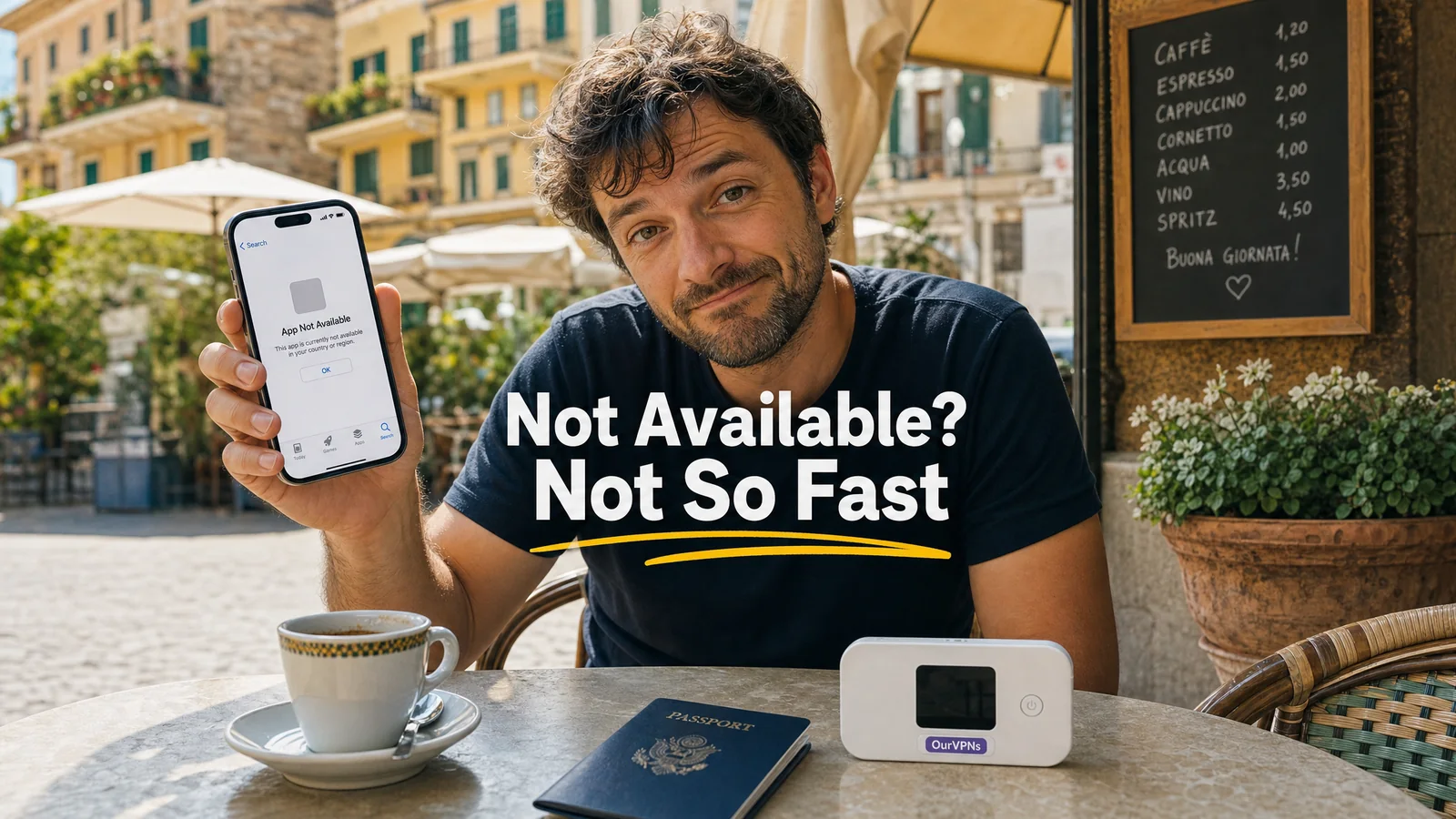
You land in Madrid, grab a coffee, and try to download the app for the concert you bought tickets to back home. The App Store shrugs: "This app is currently not available in your country or region." Or the app you've used for years opens fine, then politely informs you that the service isn't available where you are. Same phone. Same account. Different country. Rude.
Here's the thing most fixes online miss: that message can mean two completely different problems, and the fix for one does nothing for the other. Let's sort out which one you have, then fix it.
The quick answer
The store won't let you download the app. That's about your App Store or Google Play country, which is tied to your account, not to where you're standing. Most US travelers never hit this. Expats who switched their account to a new country hit it all the time.
The app is installed but says it's not available where you are. That's about your IP address, the number your internet connection shows to every app. Changing your store country won't help. Connecting through a US home internet connection often helps.
Before any trip: download the apps you'll need while you're still at home, and keep your US store account.
Why apps say "not available in your country"
App makers choose where their apps are sold. Apple's App Store runs in 175 countries and regions, and Apple's developer documentation shows that a developer can pick all of them or only specific ones. A US bank, a US sports league or a local ride app often picks just one. Licensing deals, payment rules and local laws all play a part.
That same Apple page explains the other half: your Apple Account's country decides which App Store you can buy from. An account set to Japan can only buy from the Japanese store. Google Play works the same way with its country profiles. So the store isn't checking your GPS when it says no. It's checking your account.
Apps that are already installed are a different story. Many of them check your IP address every time you open them, because their licenses or regulators say they can only serve certain countries. That's the "not available in your region" screen inside streaming, banking and ticketing apps.
Problem 1: the store won't show the app
If you're an American traveling on your normal US Apple Account or Google account, your store usually stays the US store abroad, and US apps keep showing up. This problem mostly bites people who moved abroad and switched their account to their new country, or people trying to download a local app (a parking app, a local bank) that isn't sold in the US store.
How to change your App Store country on iPhone
Apple's own steps, from its support page on changing your Apple Account country or region: open Settings, tap your name, tap Media & Purchases (sign in if asked), then Country/Region, choose the new country, agree to the terms, and add a payment method and billing address.
Before it lets you switch, Apple wants a clean slate:
Spend any remaining Apple Account balance.
Cancel subscriptions that block the change and wait until their billing period ends.
Wait for memberships, pre-orders, movie rentals and Season Passes to finish, and for any pending refunds.
You might not be able to switch while you're in a Family Sharing group.
You'll usually need a valid payment method from the new country.
That's a lot of hassle for one app. If you only need a local app for a while, Apple itself suggests another route when you don't want to add a local payment method: wait until you're in the new country and create a separate Apple Account there. Your US account stays untouched. Just know that apps follow the account that downloaded them, so updates come from whichever account you used.
How to change your Google Play country on Android
Google's rules, from its help page on changing your Google Play country, checked October 2026:
You need to be in the new country and have a payment method from there.
After setting a country, you must wait at least 90 days before changing it again.
Your Play balance stays linked to the old country, and you lose your Play Points and level.
If you're in a Google family group, you can't change your Play country.
The change can take up to 48 hours to show up.
To do it, open the Play Store, tap your profile icon, then Settings, General, Account and device preferences, and Country and profiles. Pick the country and add a payment method. Heads up: plenty of older guides (and some AI answers) still say you can only change it once a year. Google's current page says 90 days.
The smartest move: download before you fly
The easiest fix is the one you do at home. Install the US apps you'll need, your bank, your carrier, your streaming apps, your airline, while your phone is still in the US. Apple's developer documentation also notes that when an app is pulled from a storefront, people who already have it keep getting updates and can usually redownload it from their purchase history, as long as the developer's contract stays active. Having it already beats chasing it later.
Problem 2: the app opens, then blocks you
This is the one that ruins evenings. The app is on your phone, you're signed in, and it still says the service isn't available in your country. Here, the app is looking at your IP address, and right now your IP says "hotel in Madrid."
Common examples:
Streaming apps. HBO Max's own help page says you can stream when you travel to a country where it's available, and that if you travel somewhere it isn't, you won't be able to stream (downloaded titles still play). Its availability page is worth a look before a trip.
Payment apps. Venmo, Zelle and Cash App all assume you're in the US. Our guide to Venmo, Zelle and Cash App abroad explains what breaks and why.
Banking apps. Many don't block you outright, but a foreign IP plus a new device can trigger a lockout. See why your US bank keeps blocking you abroad.
Ticketing and sports apps, which often license by country.
Changing your store country does nothing here. The app only cares where your connection appears to be.
Why a regular VPN often makes it worse
The obvious idea is a VPN set to the US. Sometimes that works for a while. Often it trades one error for another, because regular VPNs usually come from datacenter servers shared by thousands of people, and apps keep lists of those addresses. HBO Max's help page even tells people to turn off their VPN or proxy so their IP address isn't blocked. We explain the whole cat and mouse game in why streaming apps block VPNs.
What looks normal to these apps is a normal US home connection. That's the idea behind a residential IP: an address from real home broadband, the kind your own house has. With OurVPNs you get a dedicated residential IP on real US home broadband, assigned to you and not shared with anyone else, so your apps see one steady US household instead of a crowded server. If you're weighing the options, our guide on how to get a US IP address from anywhere compares them honestly.
One limit to know: an IP address doesn't change your phone's GPS. A few apps, like live TV services, check your device's location too. Our YouTube TV location fix shows how that works.
"Content not available in your country" in streaming apps
A cousin of this error shows up inside streaming apps that do work abroad: the app opens, but half your shows are missing or grayed out. That's the catalog changing with your location. Netflix is the classic case, and our guide to changing your Netflix region as an American abroad walks through what Netflix allows and what it doesn't.
What not to do
Don't download apps from random sites. On Android, only install an app file from the developer's own website. Unofficial copies of banking or payment apps are a classic way to lose an account.
Don't switch your main account's country on a whim. Losing subscriptions, balance and Family Sharing to grab one app is a bad trade.
Don't log in from three countries in one afternoon. Location whiplash is one of the fastest ways to trigger a security lock.
The honest note: use your own accounts and subscriptions, check each service's terms, and know the VPN rules in the country you're visiting. We're a VPN company, not lawyers.
Quick answers
How do I download an app that's not available in my country? It depends on the account. On iPhone, the app has to be sold in your Apple Account's country, so you either switch that country (Apple has a checklist) or use a separate account for that country. On Android, change your Google Play country, which needs you to be there and have a local payment method.
Can I download apps not available in my country on iPhone without changing region? Not from the App Store with your current account. Apps follow the account's country. The practical workaround is a second Apple Account for that country, created while you're there.
Why does an app say it's not available when I'm abroad, even though I downloaded it at home? The app is checking your IP address. Your store country doesn't matter for this one.
Does a VPN fix "app not available in your country"? For apps that check your IP, a US connection can help, but regular VPN servers are often blocked. A residential US IP looks like a normal home and is less likely to be flagged. It won't change which App Store your account uses.
How often can I change my Google Play country? Google's help page says you must wait at least 90 days between changes.
The short version
"Not available in your country" means one of two things. If the store won't show the app, it's your account's country, and the fix is in Settings (with some homework first). If the app is installed but blocks you, it's your IP address, and the fix is a connection that looks like you're home. Download what you need before you fly, keep your US account, and when an app insists on a US connection, give it a real one.
OurVPNs works on your devices and on travel routers, from $35 a month or $350 a year, with 24/7 support by email, phone and Telegram. Try it free for 3 days.