Americans Living in Panama: Keep US TV and Banking Working
Panama might be the easiest country on earth for an American to move to. You pay in US dollars. Your phone charger fits the wall. Half the year, you're even on the same clock as New York. It feels so familiar that the first time Hulu tells you it isn't available "in your region," it's almost insulting.
Your apps don't care that Panama feels like home. They see an address that isn't in the US, and they react accordingly: blocked shows, extra verification from your bank, and a work laptop that suddenly has questions. Here's how to fix that.
What works in Panama without any setup
Some services work fine, just with the Latin American version of their catalog.
Service In Panama What to expect Netflix, Prime Video, Disney+, HBO Max, Apple TV, Paramount+ Yes The Latin American library, so some US shows are missing or arrive later Hulu No Only available in the US YouTube TV, Sling TV No Live TV tied to a US home address Peacock and US network apps (ABC, NBC, CBS, Fox) No US only Your US banking and payment apps Usually, with hiccups They load, then ask you to verify it's really you, over and over
Hulu's own help center spells out why it stays in the US, and the other US-only services work the same way. So the goal isn't just "watch TV in Panama." It's getting your own US accounts to behave like you never left.
Why a regular VPN app usually isn't enough
The first thing most people try is a regular VPN app set to a US server. The trouble is that those servers live in data centers, and US streaming services, banks and corporate security tools all keep lists of data center addresses. So the app works for a bit, then gets blocked, and you end up trying a second app, then a third. Expat forums in Panama are full of exactly that story.
A residential connection solves the root of it: your traffic comes out of a real US home internet line, so websites see a normal household instead of a server farm. We explain the detection side in why streaming apps block VPNs.
Panama's internet: excellent in the city, moody on the islands
The good news first. Panama City has some of the best internet in Central America, with fiber widely available in established neighborhoods. Tigo and +Móvil are the two big home internet providers, and both offer fiber in the capital and major towns, including the center of Boquete. Expat Den's Panama internet guide breaks down the providers and speeds by area.
Now the moody part:
Island and remote areas can be rough. Bocas del Toro is the classic example, with speeds that make video calls a gamble. Rural properties outside Boquete and some beach towns vary a lot from one street to the next.
Rainy season means more power outages. From roughly May to December, storms knock the power out more often, and when the power goes, your modem goes with it. A small battery backup for your modem and router keeps you online through the short ones.
Starlink fills the gaps. It's available in Panama, and it's become the go-to for people living outside good fiber areas. It works fine with everything in this guide. One quirk: Starlink addresses often show up in a random city or country on websites, which is one more reason to put a steady US connection on top. We explain the geolocation mess in why your IP address shows the wrong city.
Ask your landlord or neighbors about real speeds before you sign a lease. The listing's "high speed internet" can mean a lot of different things.
Set it up once on a router
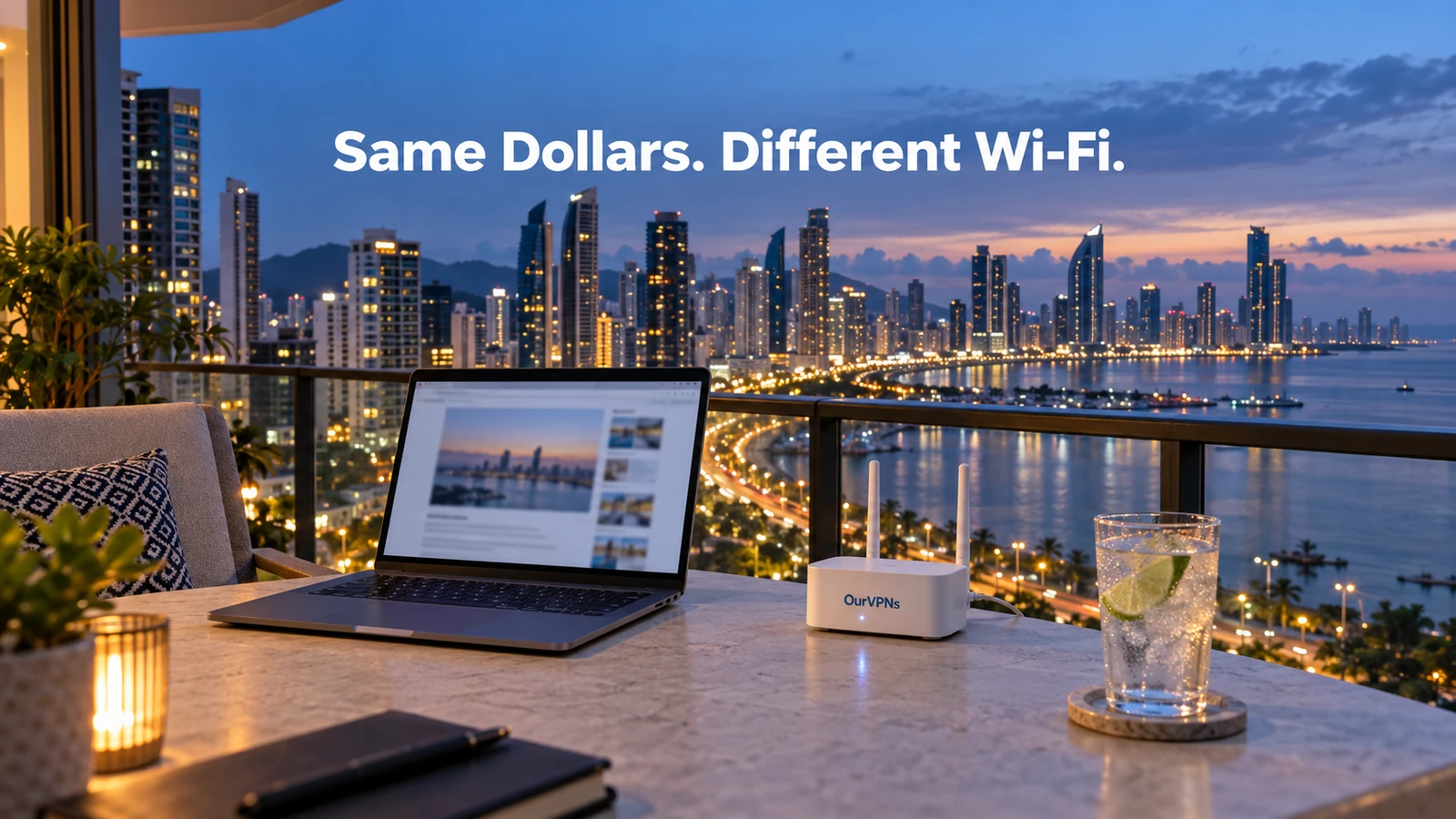
In our testing, the big US streaming apps treated an OurVPNs residential connection like a normal US household, especially when it runs from a small VPN router. It's the cleanest setup for Panama because every device in your apartment shares the same US connection, including smart TVs and streaming sticks that can't run VPN apps anyway. And since Panama uses the same plugs and voltage as the US, the router you already own plugs right in. Our guide to watching US TV from Mexico walks through the same setup.
Sign up and pick a US location. You'll get a WireGuard or OpenVPN configuration file.
Load it onto a router that supports WireGuard or OpenVPN. A small travel router works great, even if your building controls the main Wi-Fi.
Plug it into your Tigo, +Móvil or Starlink connection.
Connect your TV, phone, laptop and streaming devices to the router's Wi-Fi and sign in to your US accounts like normal.
If an app still thinks you're in Panama, close it completely or clear its cache. Apps love to remember where they last saw you.
Banking and payment apps: keep your logins boring
Your US bank doesn't mind that you moved to Panama. What its fraud system minds is a login pattern that jumps countries and bounces between your apartment Wi-Fi, a café, your phone's data and a Starlink dish, because that pattern looks exactly like an account being taken over.
Logging in from the same US residential IP every day, from every device, makes your pattern boring again. Boring is good. We explain exactly what a stable IP fixes (and what it doesn't, like a card getting declined at a store) in why your US bank keeps blocking you abroad, plus the payment app version in Venmo, Zelle and Cash App abroad. If your bank texts codes to your US number, our Popcorn phone plan review looks at one way to keep them arriving.
Working remotely for a US company
Make sure your employer knows and approves before you work from Panama. It affects taxes, payroll and compliance on both sides, and it's much easier to sort out up front than after an awkward call with HR. Once that's done, a steady residential connection keeps your work logins, company VPN and multi-factor prompts consistent, so you're not tripping a security review every time you change networks. More in our remote work guide.
Little Panama things worth knowing
Your clock is Eastern time, sort of. Panama stays on Eastern Standard Time all year and skips daylight saving. So from November to March you're on the exact same time as New York, and from March to November you're one hour behind it. Recurring meetings will surprise you twice a year.
The dollar is a gift and a trap. Paying in US dollars makes life simple, but it also tricks you into thinking everything else from home works the same. Your apps are the reminder that it doesn't.
Pick one US location and stay on it. Hopping between locations looks strange to every app you use. One steady home base looks normal.
Keep your US billing. Existing US subscriptions usually run smoother than new sign ups from abroad, since some services check where your card was issued.
You still file US taxes. US citizens file with the IRS wherever they live. The IRS page for US citizens abroad is the starting point, and a cross-border tax pro is money well spent.
Residency options are famously friendly. Retirees often use the Pensionado visa (currently $1,000 a month in pension income, or $750 if you own qualifying property). Others use the Friendly Nations visa, which needs an economic tie like a professional job offer or a real estate purchase, and remote workers can use the remote worker visa (currently $3,000 a month in foreign income, 9 months, renewable once). Requirements change, so confirm the details with Panama's immigration service or an immigration lawyer, not a blog post, including this one. Still comparing countries? Our guide for Americans living in Portugal covers a very different option.
Quick answers
Can I watch Hulu in Panama? Hulu only works in the US. With a US residential connection on your router and your existing subscription, expats watch it the same way they would at home.
Do I need a VPN in Panama at all? Not for Netflix, Prime Video or Disney+ with the Latin American library. For US-only services like Hulu, YouTube TV, Peacock and network apps, and for keeping your US banking and work logins calm, a US residential connection makes the difference.
Are VPNs legal in Panama? Yes, VPNs are legal in Panama. Streaming services have their own terms, so use your own subscriptions and check each service's rules.
Is Panama's internet good enough for US streaming? In Panama City and most towns, yes, easily. In Bocas del Toro and some rural or beach areas, check real speeds first or plan on Starlink. 4K streaming needs roughly 15 Mbps on both ends, your local line and the US connection you route through.
Does this work with Starlink? Yes. The VPN runs on top of any internet connection, and it helps even more on Starlink, since Starlink's own addresses often show up in the wrong place.
The short version
Panama feels like home in all the easy ways: dollars, US plugs, Eastern time. Your US apps still know you're not in the US. A single US residential connection running on a router in your apartment fixes that for every device at once, whether you're on fiber in Panama City or a Starlink dish in the hills.
Want your Panama apartment to feel like home to your apps too? Start your free trial and test it for 3 days with your own accounts.